- Log into Mailerlite
- From the left sidebar, click "Sites"
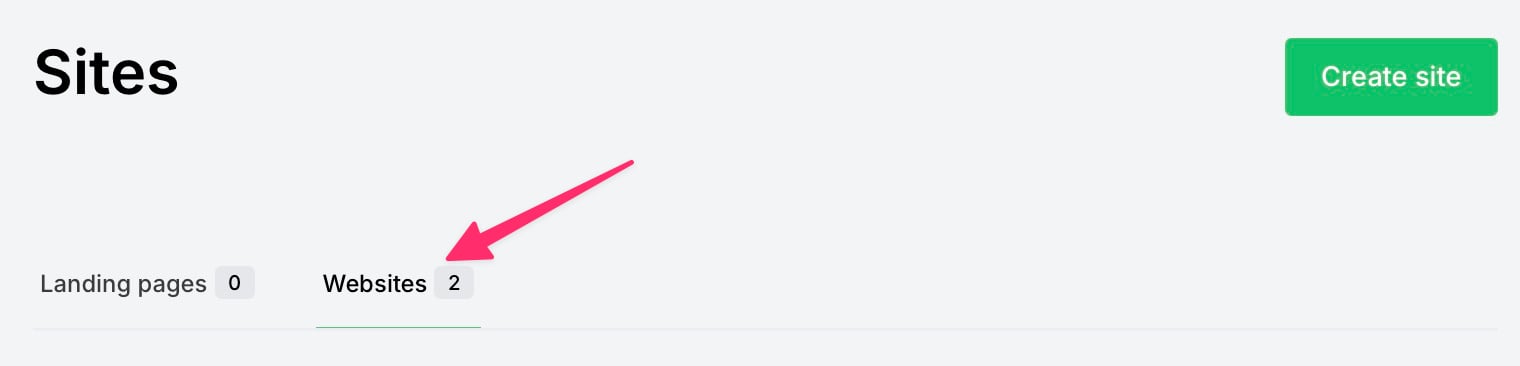
- On the "Sites" page, click "Websites" (in the middle of page)
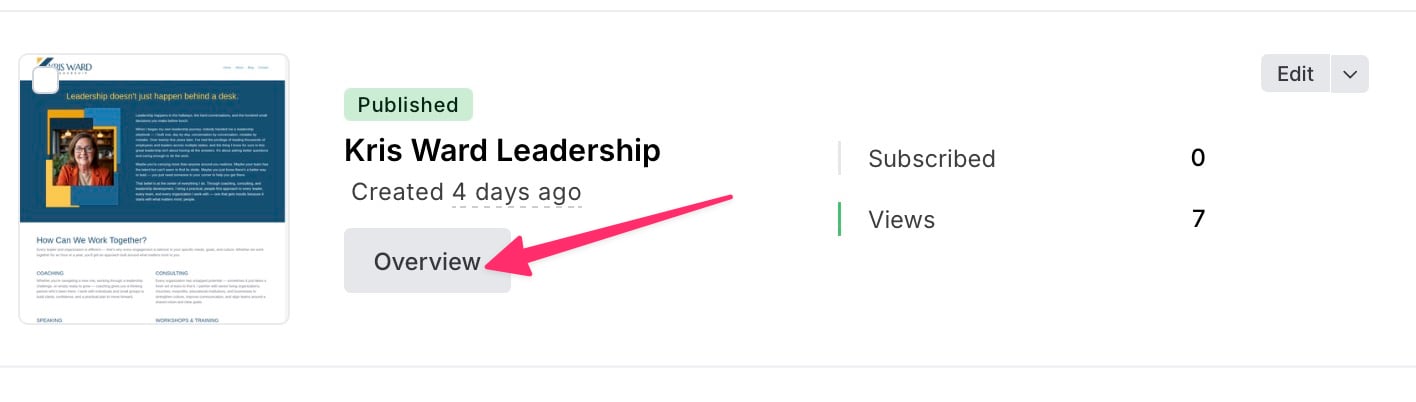
- In the "Kris Ward Leadership" panel, click the [Overview] button
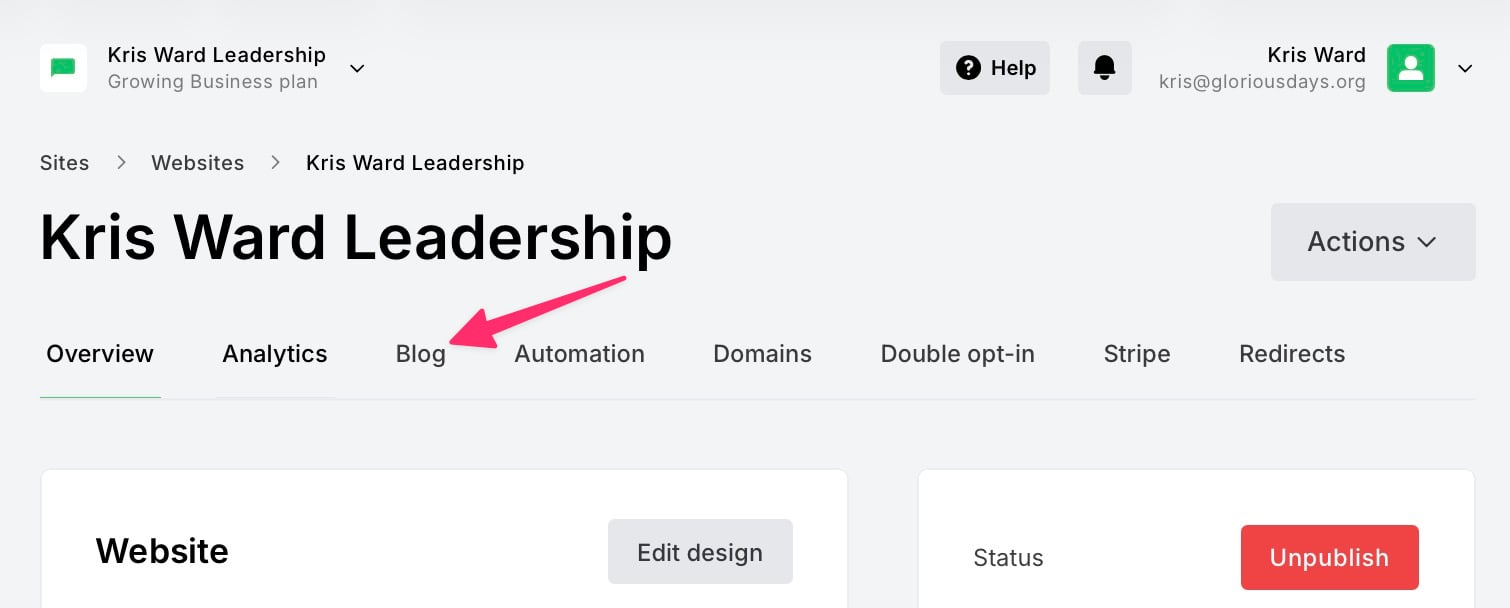
- On the "Kris Ward Leadership" page, click the "Blog" tab
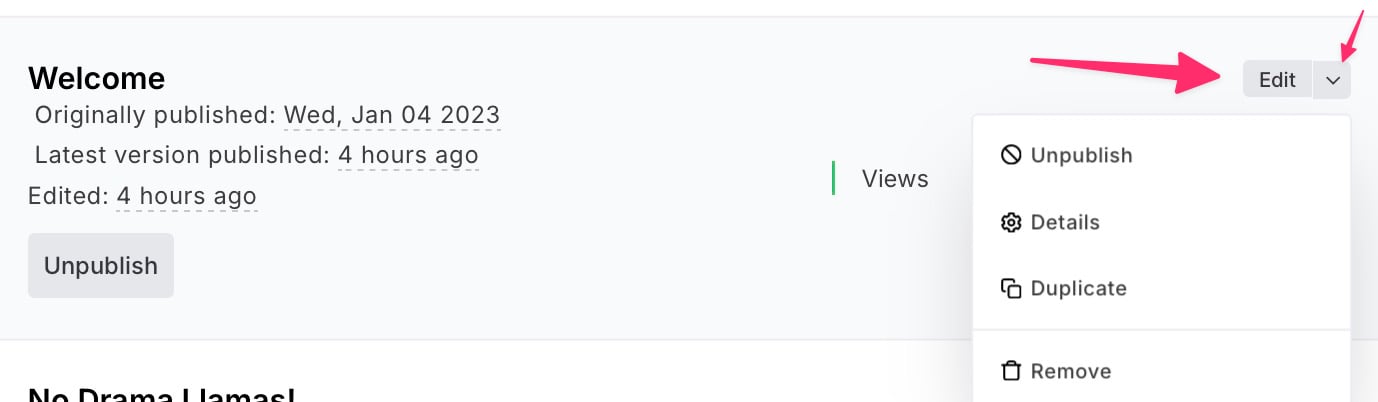
- On the "Posts" page, locate the post you want to modify, THEN
- To Edit the contents of the post, click "Edit"
- To Change the Title, Excerpt, URL, or Published Date, click the disclosure arrow and choose "Details"
- To Unpublish the Post, click the disclosure arrow and choose "Unpublish"
- To Delete the Post, click the disclosure arrow and choose "Remove"