- Log into Mailerlite
- From the left sidebar, click "Sites"
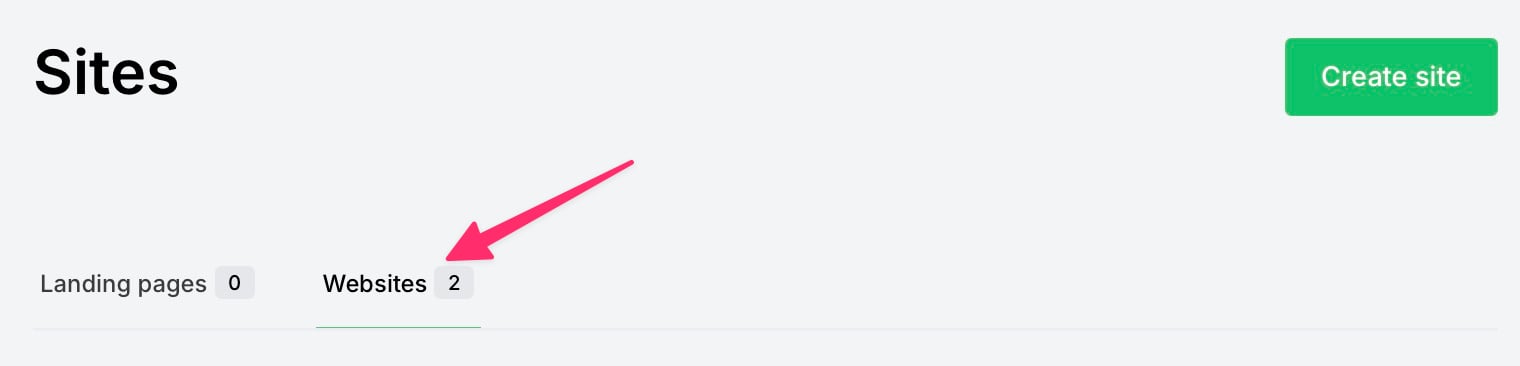
- On the "Sites" page, click "Websites" (in the middle of page)
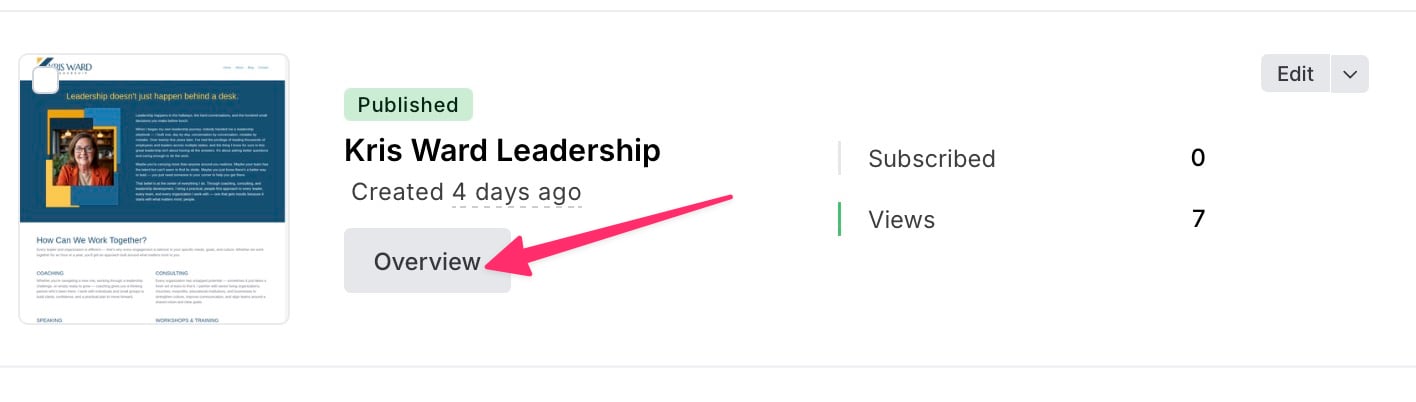
- In the "Kris Ward Leadership" panel, click the [Overview] button
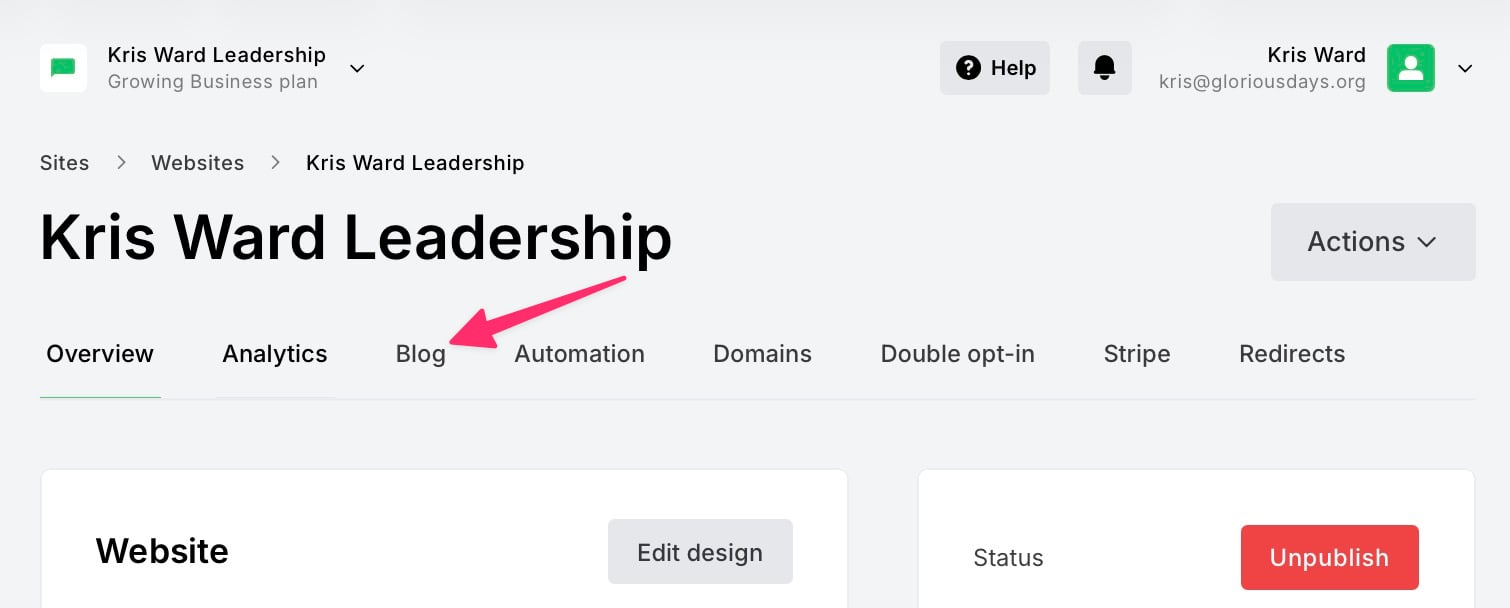
- On the "Kris Ward Leadership" page, click the "Blog" tab
- On the "Posts" page, click the [Create a post] button
- Follow the on-screen prompts to create the post.
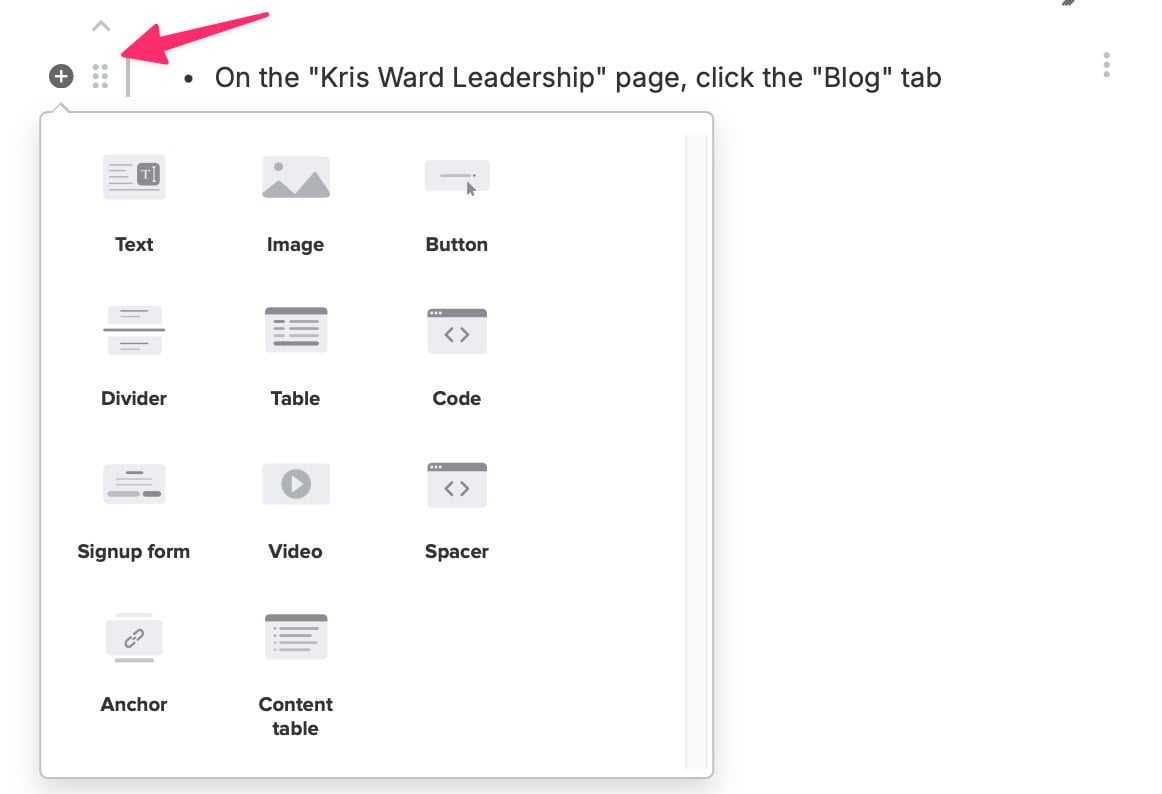
- While writing, you may want to insert an image, a button, a divider, etc. To add elements, you must move your mouse to the blank space TO THE LEFT of where you are typing.
- A (+) will appear that you must click on, and it will reveal a menu of Blocks to chose from:
- You can rearrange Blocks by dragging them by pointing the mouse at the 6-dots — to the right of the (+) — and then holding down the mouse button while you drag up/down.
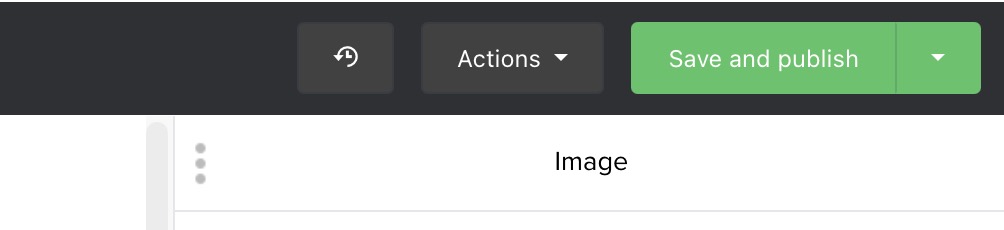
- After completing the blog post, click the [Save and publish] button in the upper right of the window.